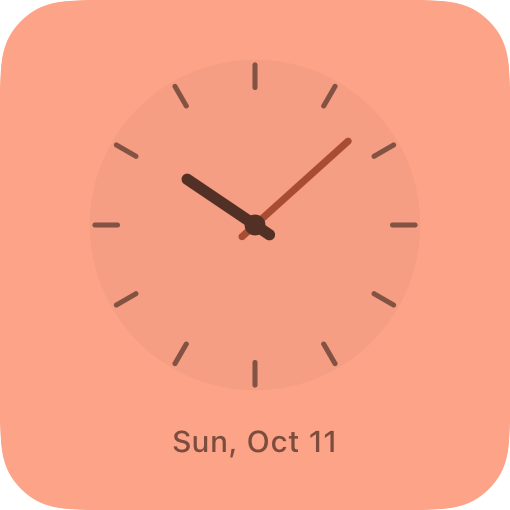
Studio clock
FreeA timeless face, a fresh palette.
Beautiful offline widgets for your iPhone. From sunlit clocks to a pocket garden, a reading shelf, and little everyday rituals: make your screen feel like you.
Free designs to start Works offline No account
Illustrative previews. Your designs, your details.
A growing collection
Your own palette
Home & Lock Screen designs
Offline widget use
A favorite moment, your next adventure, a tiny companion. Here are a few favorites from a collection we’ll keep growing with new designs and ideas. Explore the full collection in the app.
A timeless face, a fresh palette.
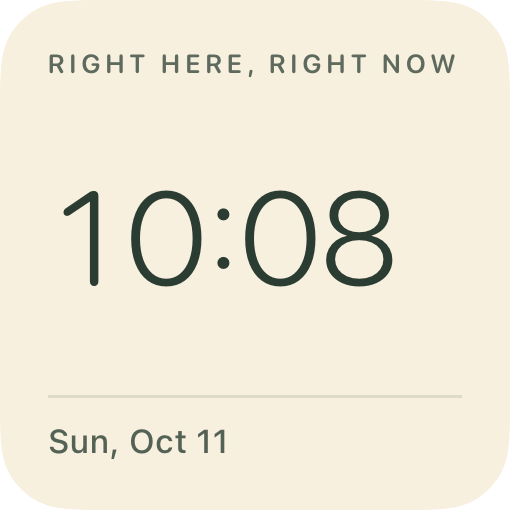
The time, beautifully uncomplicated.
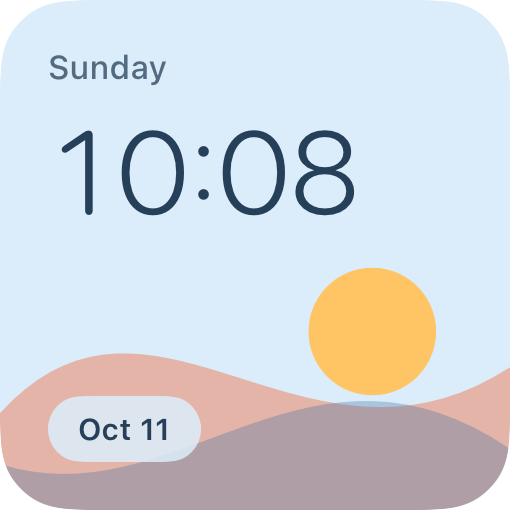
Your time above a sunlit, paper-cut landscape.
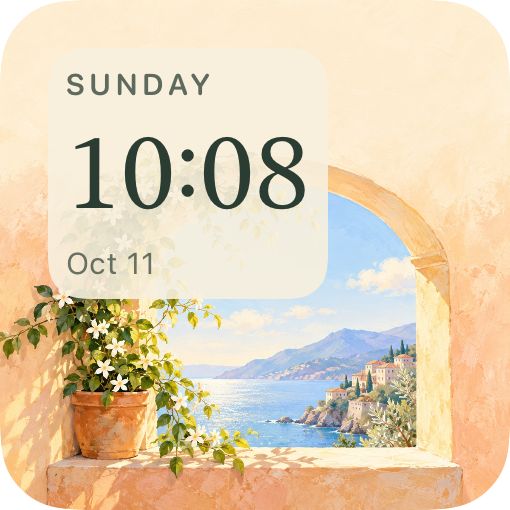
Live time inside a sunlit, illustrated window.
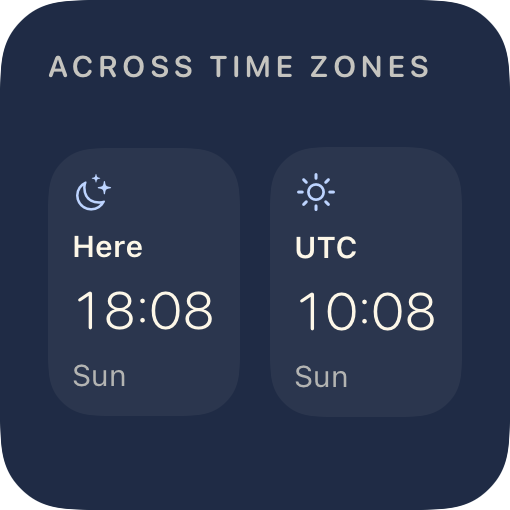
Stay close, wherever they are.
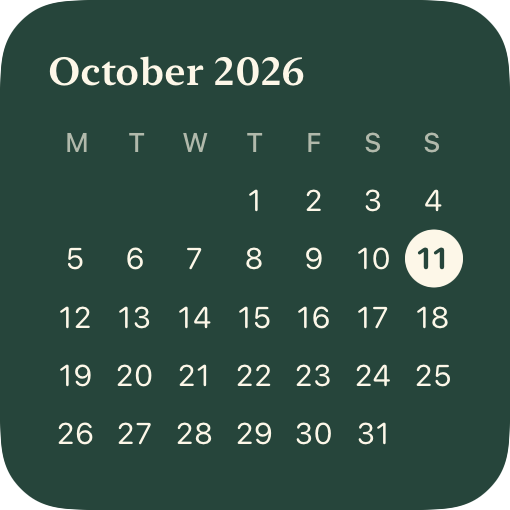
Your month at a glance.
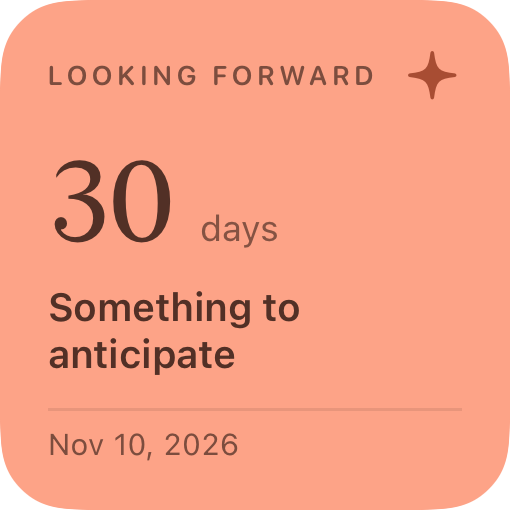
Keep your next good thing close.
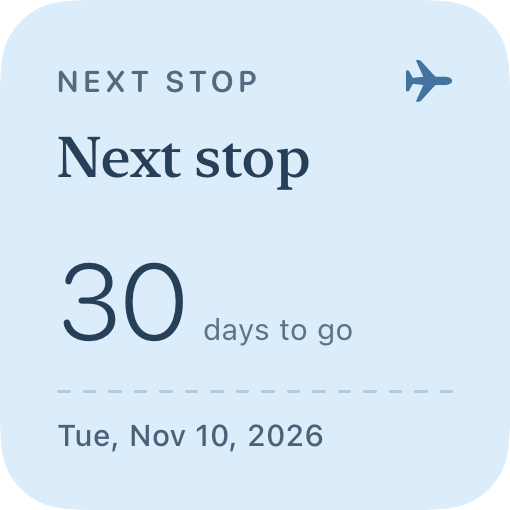
Your next adventure, on a beautifully personal ticket.
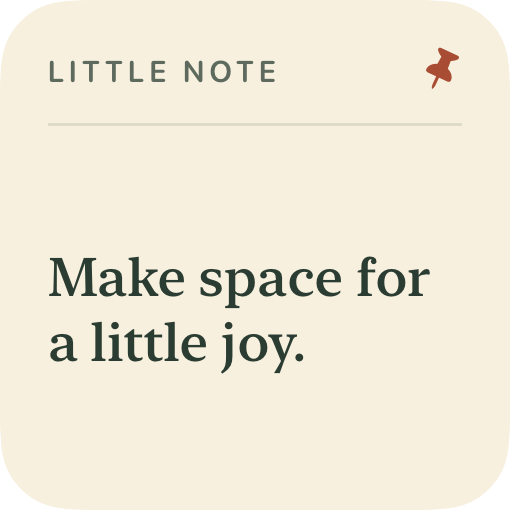
Words you want to keep in view.
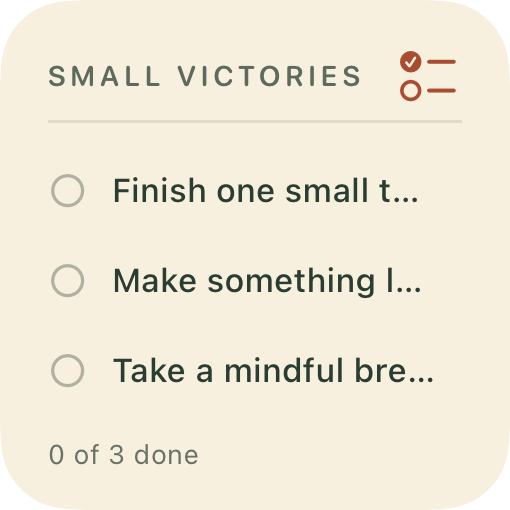
A few priorities. A little more clarity.
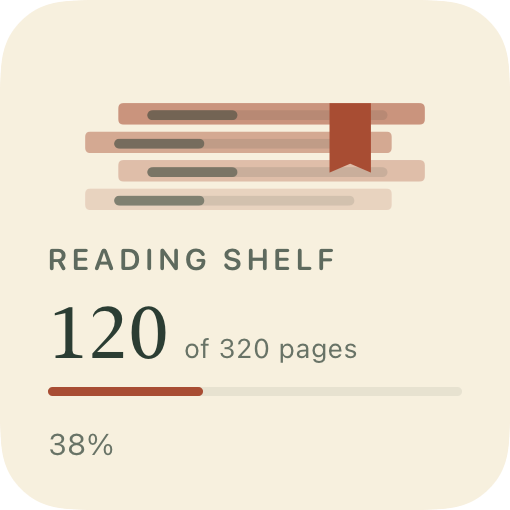
A bookmark that keeps your reading progress close.
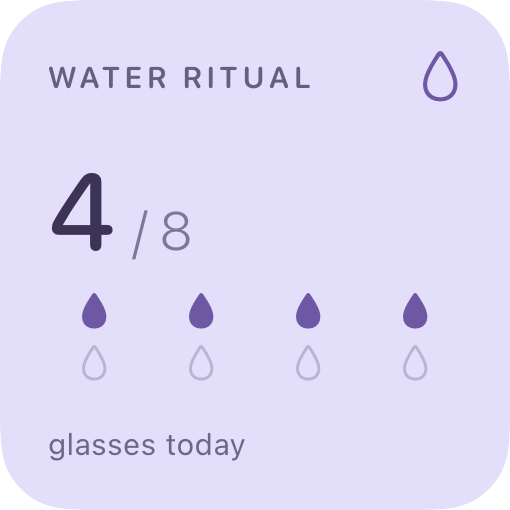
Small sips. A daily rhythm.
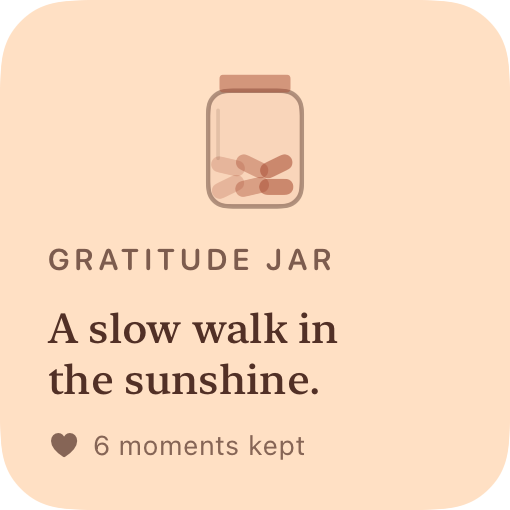
Keep one good little moment each day.
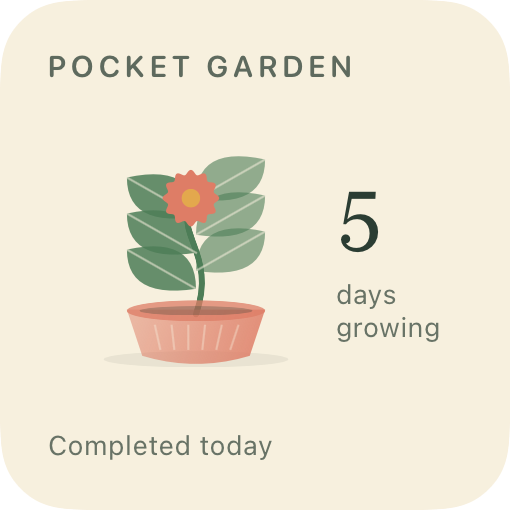
A small habit. A garden that grows with you.
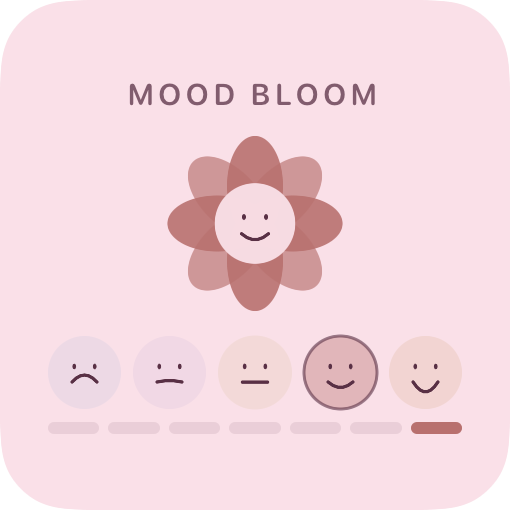
Give today a color. Keep a week of feelings close.
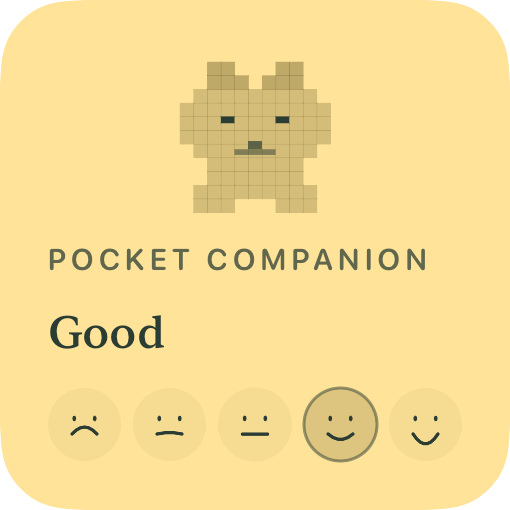
A small pixel friend that reflects how you feel today.
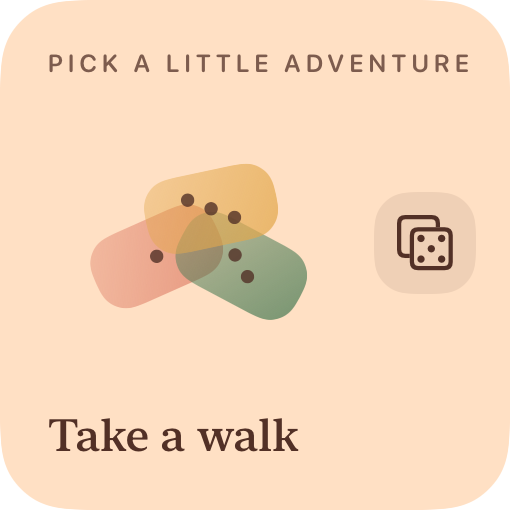
Your possibilities, with a playful little pick.
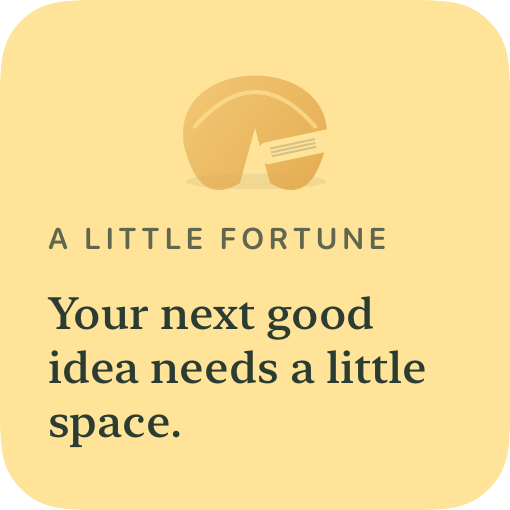
Open a small, kind thought for today.
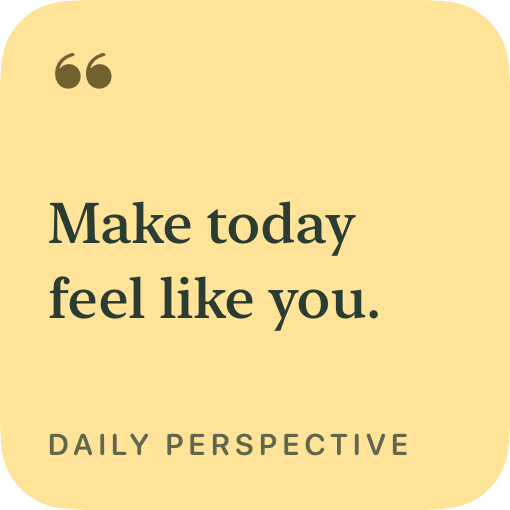
A quiet thought for every day.
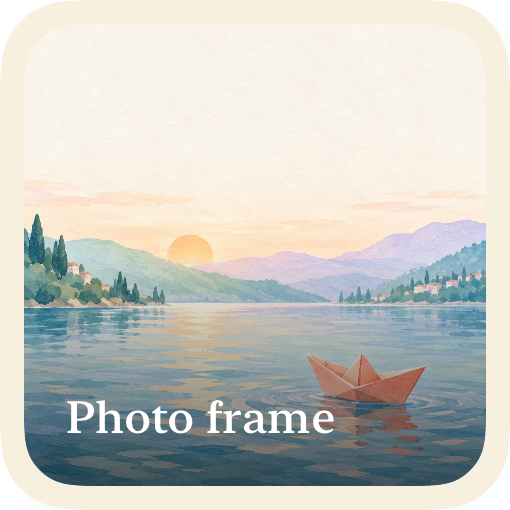
A favorite photo, always nearby.
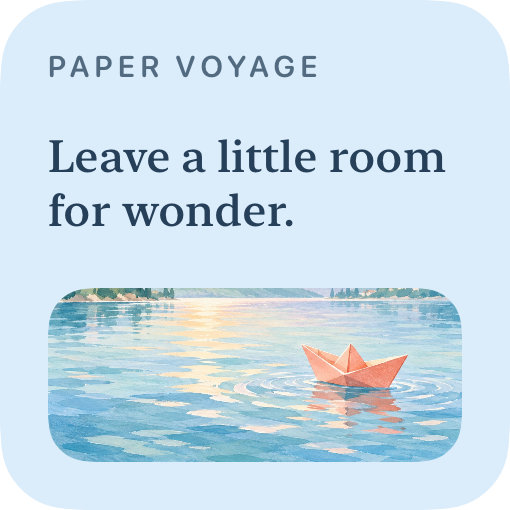
A painted little escape, with words that travel with you.
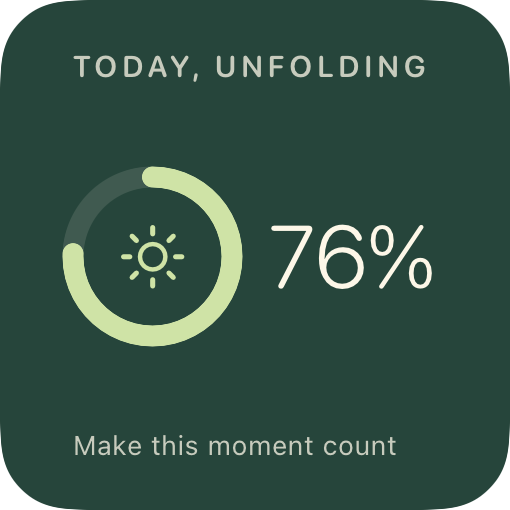
Make room for what matters.
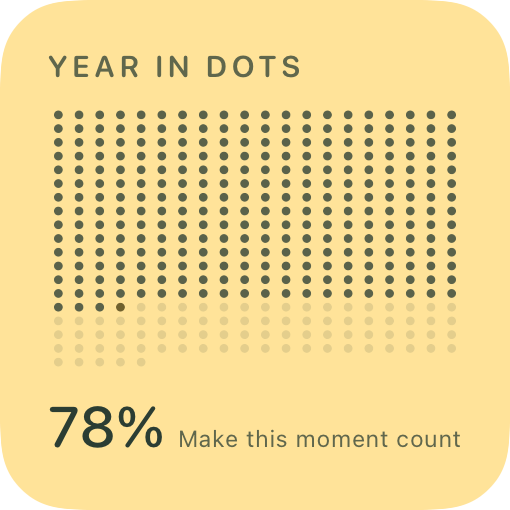
See the year take shape.
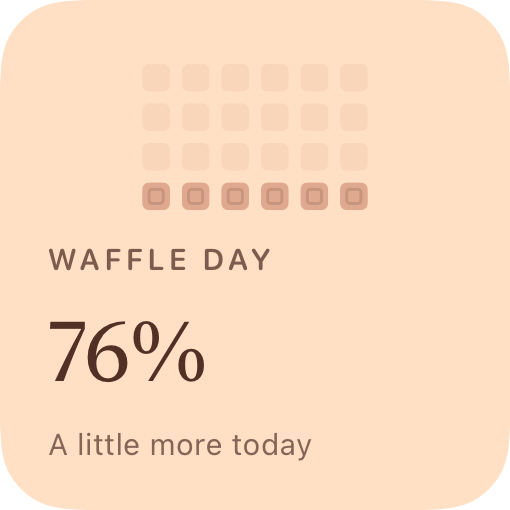
Twenty-four little squares. A delicious view of your day.
These are example designs from the app, shown with sample activity and content. Personalize them in small, medium, or large; compatible designs also fit your Lock Screen.
On the morning commute. Above the clouds. Somewhere with no bars. Your widgets are ready whenever your day is.
Purchases and restores connect to Apple. iCloud-only photos may need to download first.
Explore designs by category or start with a curated set. Preview every design for free.
Choose a palette and size. Add your words, a photo, a date, or a personal goal, then save your design.
Add WidgetFlair through your device’s widget gallery, then select your saved design in Edit Widget.
Need a hand? We’re here to help.
Yes. Browsing, editing, saving, and using your widgets work offline. Purchasing or restoring Premium uses Apple’s App Store and needs an internet connection. An iCloud-only photo may also need to download before you can use it offline.
Start with Studio clock, Soft digital, Calendar tile, Little note, Small victories, Water ritual, Gratitude jar, Pocket companion, Daily perspective, and A little more today. Every palette and Home Screen size is available, and you can preview the full collection for free.
Create and customize every design in the full collection, including illustrated clocks, reading progress, playful choices, mood flowers, habit gardens, and more. Premium also includes new Premium designs added while your subscription is active. We’ll continue expanding the collection; we don’t promise a fixed release schedule.
Save your design in WidgetFlair first. Touch and hold your Home Screen, tap Edit → Add Widget (or +), and choose WidgetFlair. Then touch and hold the added widget, tap Edit Widget, and choose your saved design. Saving inside the app does not add a widget automatically.
Compatible designs support inline, circular, and rectangular Lock Screen formats. Available formats depend on the design and your device; the app’s setup guide shows which designs are compatible.
Compatible designs let you log water, check off a priority, mark a habit, start a focus timer, record a mood, turn a reading page, or pick a little adventure. Some entries, such as writing a gratitude note, are edited inside the app. iOS controls widget refresh timing.
Your saved designs stay in your library, keep working offline, and remain editable. An active Premium subscription is needed to create new Premium designs.
WidgetFlair supports iPhone with iOS 17 or later. Choose English, German, French, Italian, Japanese, Korean, or Norwegian Bokmål in My widgets → Settings → App language, or follow your system language.
A little useful. A little lovely. A little flair.