A collection that stays close.
Save on your device. Search your stories, find a favorite, and return to the moments that matter.
A small studio for meaningful photos
Turn a photo you love into a beautifully framed keepsake. Add a story on the back. Keep it close, print it, or give it to someone who was there.
Three free frames to begin. No account needed.
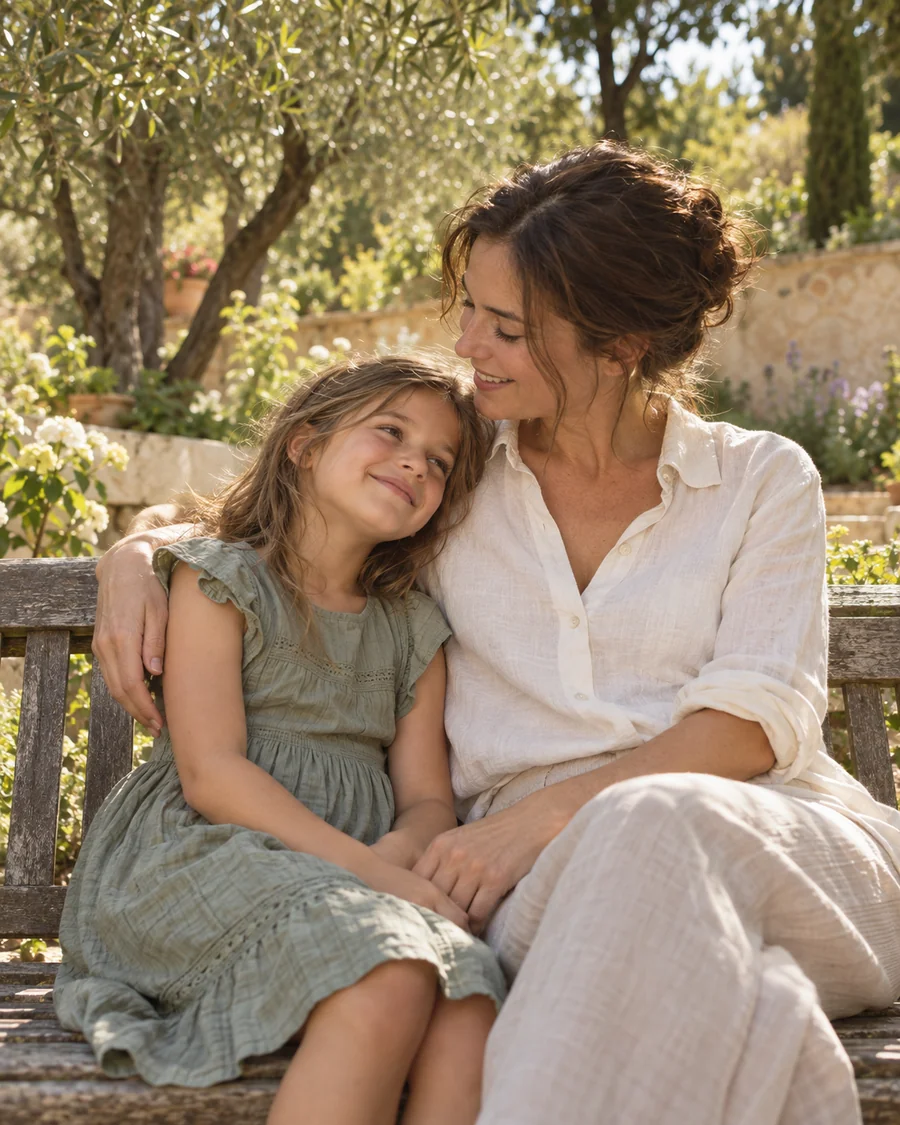
Illustrative keepsake · sample photograph & story

Milo, at home · March 2024
Illustrative photos & frames · make either your own
01 / Give it a frame
Considered proportions. Quiet materials. Room to breathe. Start with a complete composition, then make every detail your own.
GalleryA fine, restrained frame. Generous ivory space. The photograph comes first.
KeepsakeWarm paper, a soft wooden edge, and room for a small, meaningful note.
PortraitA composed, formal setting for a name, a date, and a milestone worth remembering.
02 / Keep the words, too
A place. A date. The words you don’t want to forget. Give your photograph a back, and keep its front beautifully simple.
A handwriting only you know.Write with your finger. A signature, a small drawing, a few imperfect words. Sometimes, those are the best part.
“You called it an ordinary afternoon. I think I’ll remember it forever.”The story behind the photo
The back · illustrative story & handwriting
03 / Then & now Premium
The first day of school and graduation. The day you moved in and the day you left. The same place, years apart.
Bring two photos together with one frame, their dates, and a few words. Let the distance between them tell its own story.


The same lake. A different chapter.
Illustrative two-photo composition · sample photos & dates
Illustrative local collection
A complete studio, on your iPhone
On a long journey. In a quiet corner. Somewhere with no signal. Turn a photo into something meaningful, from the first crop to the final export.
Make the whole keepsake offline.Choose a frame, write on the back, save, and export. Every creative step works without Wi-Fi.
Your collection stays on your iPhone.No account to open. No ads or app analytics. Just your photos, your words, and a place to keep them.
Download iCloud-only photos first. Purchases and restores connect to Apple. Export valuable keepsakes for safekeeping.
A few thoughtful touches
A person, a place, a wonderfully ordinary afternoon. Pick a photo from your library.
Find its frame. Adjust the space and colors. Add a date, a story, or your handwriting.
Save it to your collection. Export, share, or print it whenever you’re ready.
Yes. Create, edit, save, and export on your device, without an account. Photos stored only in iCloud need to download first. Buying or restoring Premium connects to Apple.
Start with Gallery, Keepsake, and Portrait. Customize the mat, colors, crop, caption, and date; add a story and real handwriting on the back. Save your work and export watermark-free PNGs at 1,600 pixels wide or a two-page A4 PDF.
Heirloom, Noir, and Linen frames, two-photo Then & now compositions, and PNG exports at 3,200 pixels wide. Monthly and yearly subscriptions are available in the app, where you can see current prices. Saved Premium works remain editable and exportable when your subscription ends; new Premium designs require active access.
Yes. Write or draw on the back with your finger. Your strokes become part of the keepsake and its export.
Export the front, the back, or both as separate PNGs. For printing, export a two-page A4 PDF with one side on each page, then use the system share sheet. Print sharpness depends on your original photo and crop. Framila does not provide physical frames or a print-delivery service.
Your library stays on your device. Framila has no account, ads, app analytics, or developer cloud storage. Your original photo stays unchanged. Device backups follow your iOS settings; deleting Framila can remove its local library, so export important work to Files for safekeeping.
Framila supports iPhone with iOS 17 or later. The app follows your system language and supports English, German, French, Italian, Japanese, Korean, and Norwegian Bokmål.

There’s probably a photo you’re thinking of.
Make something worth keeping.
For iPhone · iOS 17 or later